



You can import your logins and other data (secure notes and credit/debit cards) from these password services into ExpressKeys.
Jump to…
Import from a supported service
You can import your data directly from these services into ExpressKeys. Select the service you’re importing from for step-by-step instructions:
Need help? Contact the ExpressVPN Support Team for immediate assistance.
Import from another service
If you want to import your logins and other data (secure notes and credit/debit cards) into ExpressKeys from a password manager service that is not listed above, follow the steps below in the ExpressKeys browser extension:
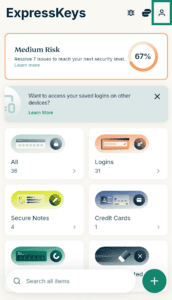
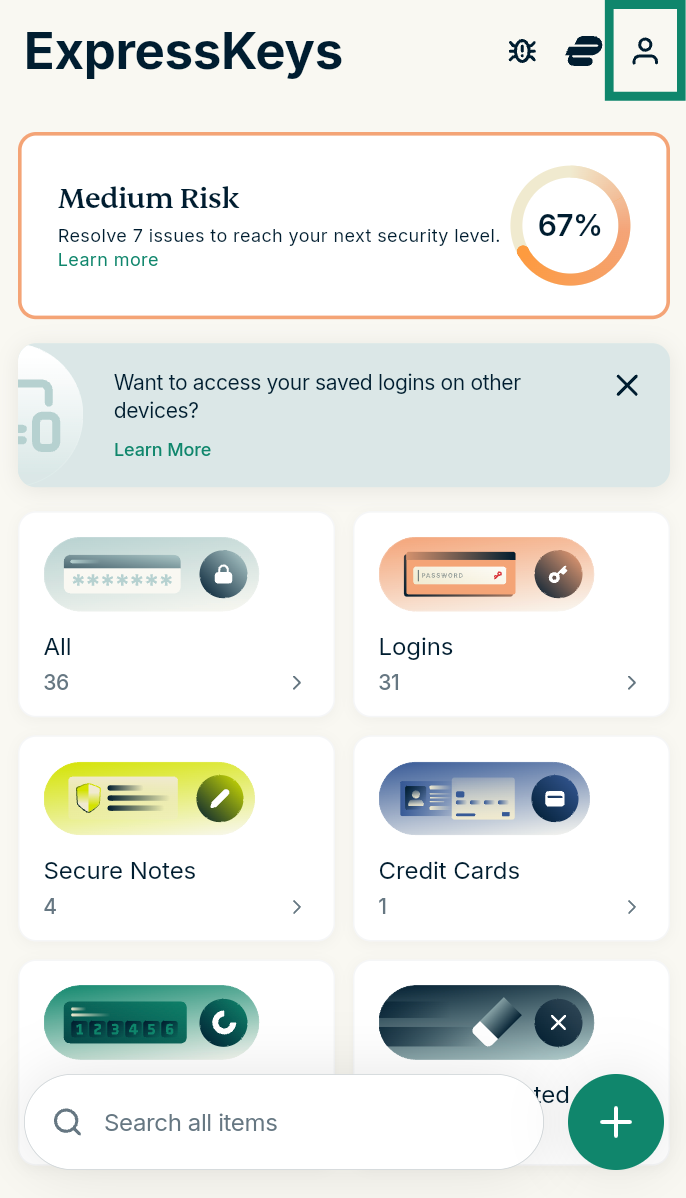
- In ExpressKeys, select Account (profile icon

 ).
).

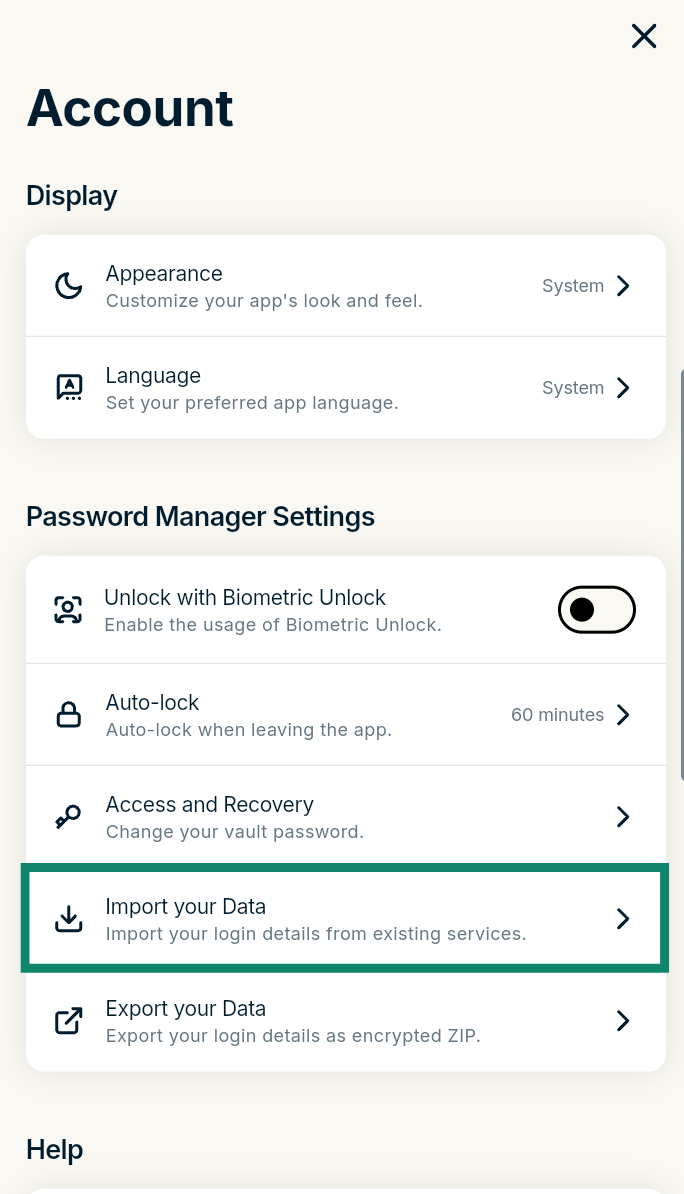
- Select Import your Data under Password Manager Settings.
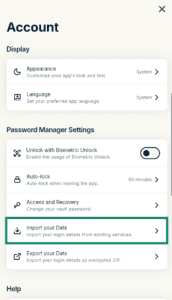
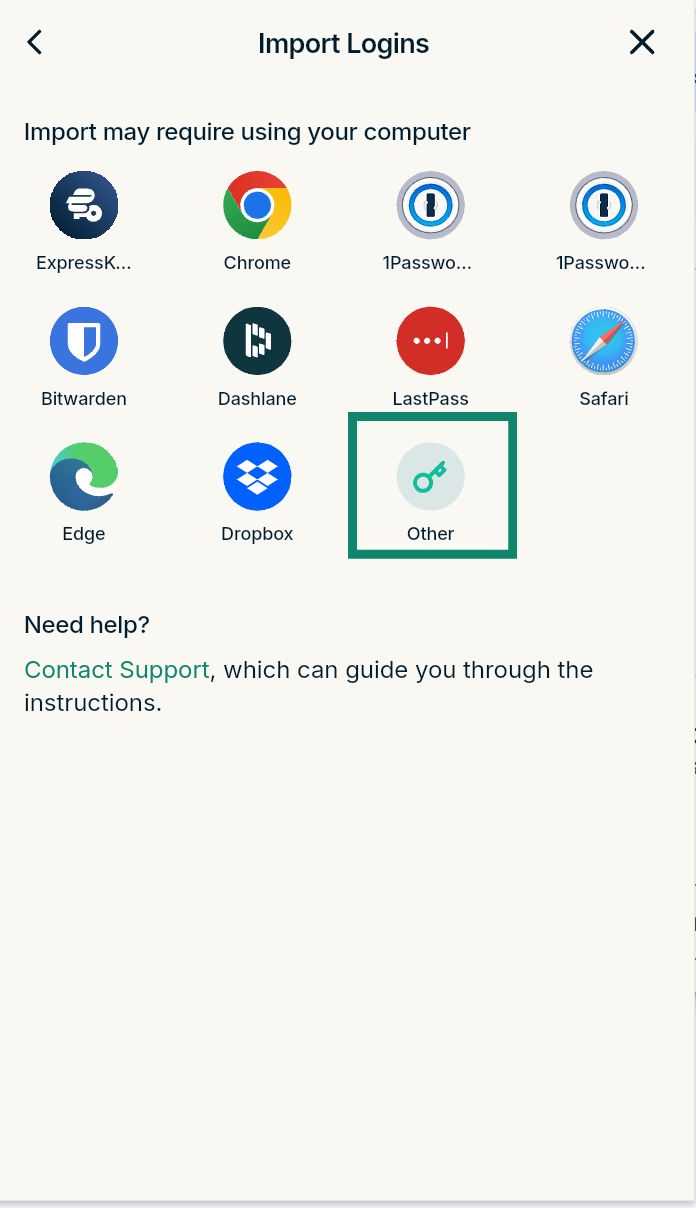
- Select Other.
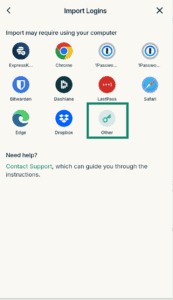

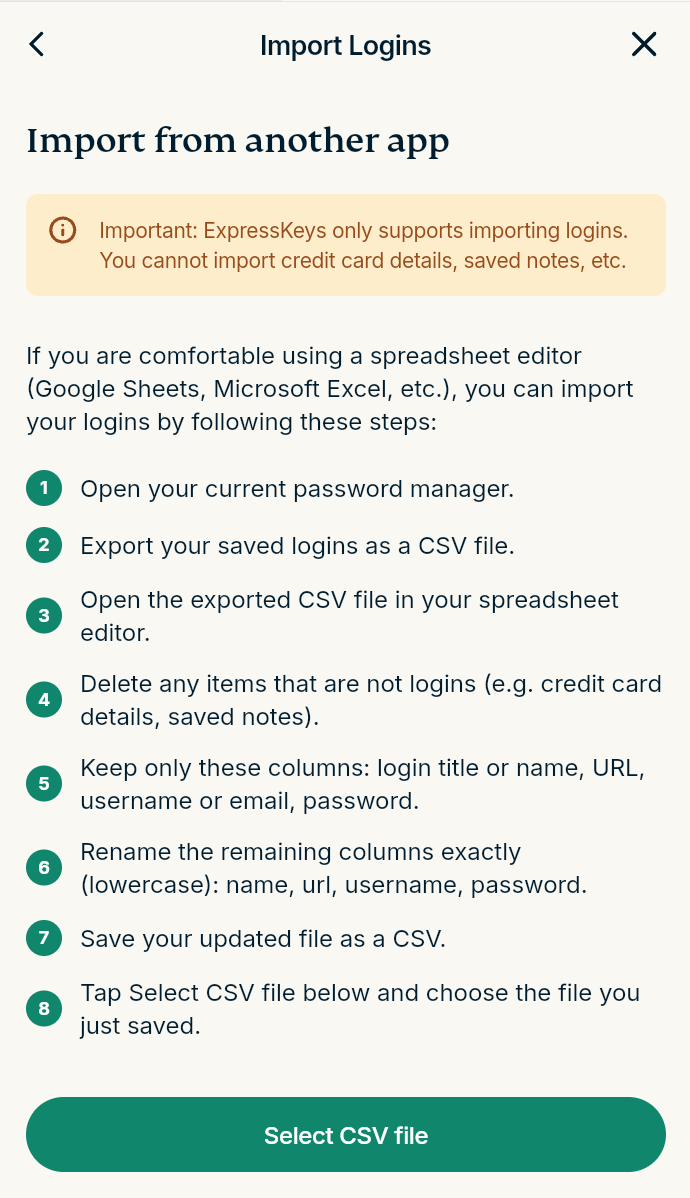
- Click Select CSV file.
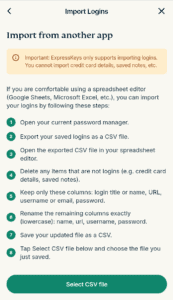
- Select the CSV file you exported from the password manager and wait for it to import.

Need help? Contact the ExpressVPN Support Team for immediate assistance.